Loading tool…
Let us know
How useful was this tool? Your rating helps others find it.
No ratings yet. Be the first!
Free Online Text Compare & Diff Checker
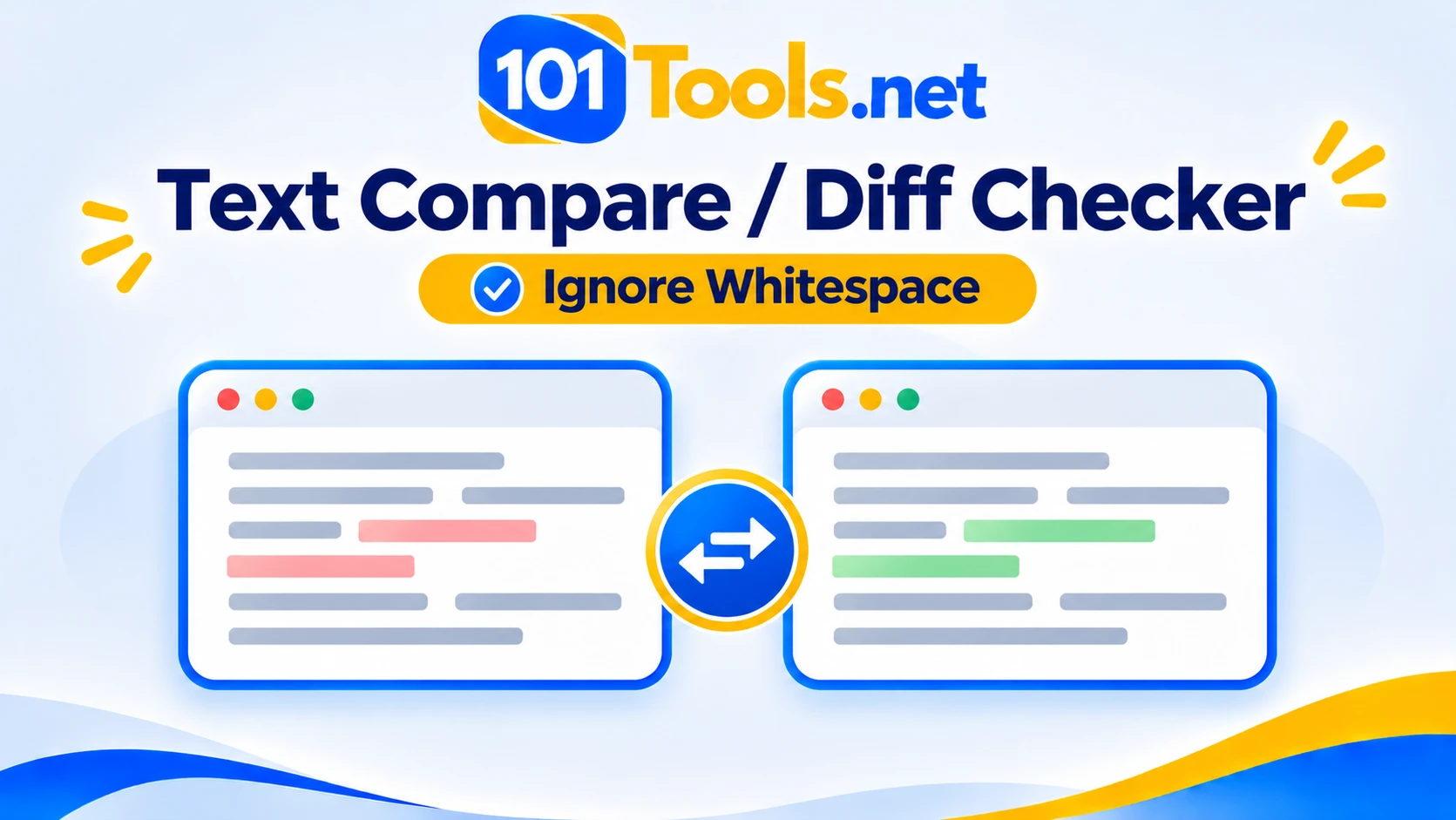
Compare two texts online with a free text comparison tool. Paste your content into the comparison fields to find what has changed, what has been added, and what has been removed. Use line-by-line or word-by-word comparison to review documents, code, notes, drafts, and other text.
With 101Tools.net, you can compare text online, identify differences with highlighted results, and ignore whitespace or case differences when you need a cleaner comparison.
Compare Two Texts and Find the Differences
Need to check what changed between two versions of a document? A text diff checker makes it easier to identify differences without reading both versions line by line.
Paste your original text into the first field and the updated version into the second. The comparison highlights additions and removals so you can quickly see where the content has changed.
Use it to compare paragraphs, articles, code snippets, configuration text, notes, or any other text content.
Compare Text by Line or Word
Choose the comparison method that suits your content.
- Line comparison: Identify changes between lines of text. Useful for documents, code, lists, and structured content.
- Word comparison: Find specific words or phrases that have been added or removed. Useful when reviewing edits to paragraphs and written content.
Switch between comparison methods to examine changes at different levels of detail.
Ignore Whitespace and Case Differences
Not every difference matters. Sometimes two text versions contain the same information but use different spacing, line breaks, or letter casing.
Use the available comparison options to:
- Ignore whitespace: Exclude whitespace differences from the comparison.
- Ignore case: Compare text without treating uppercase and lowercase letters as separate differences.
These options can make it easier to focus on meaningful content changes rather than minor formatting variations.
How to Compare Two Texts Online
- Open the Text Compare tool on 101Tools.net.
- Paste or enter your original text in the first input field.
- Paste the updated text in the second field.
- Choose line or word comparison.
- Enable the whitespace or case options if needed.
- Review the highlighted additions and removals.
You can then use the comparison results to review edits and identify changes between the two versions.
When Should You Use a Text Diff Checker?
A text comparison tool can help with everyday writing, document review, and development tasks.
- Document editing: Compare an original document with a revised version.
- Content review: Find changes between two versions of an article, blog post, or web page.
- Code comparison: Review changes between two code snippets or text-based files.
- Proofreading: Identify words or sentences that were added or removed during editing.
- Configuration review: Check differences between two versions of a configuration or plain-text file.
- Data checking: Compare text-based lists, records, or exported content.
Why Use 101Tools.net Text Compare?
101Tools.net provides a straightforward way to compare text without installing desktop software.
- Compare two text inputs online.
- Review differences by line or word.
- Highlight added and removed content.
- Ignore whitespace differences when needed.
- Ignore uppercase and lowercase differences when needed.
- Use the tool directly in your browser.
- No file upload is required.
Frequently Asked Questions
What is a text compare tool?
A text compare tool checks two text inputs and identifies the differences between them. It can highlight content that has been added or removed, making it easier to review changes between two versions.
How do I compare two texts online?
Paste your original text into one input field and the revised text into the other. Select the comparison method and review the highlighted differences.
What is a diff checker?
A diff checker is a tool that compares two versions of text, code, or other content and displays what has changed. The term “diff” refers to the differences identified during the comparison.
What is the difference between line comparison and word comparison?
Line comparison identifies changes at the line level, while word comparison examines changes within the text itself. Word comparison can be more useful when reviewing small edits inside paragraphs.
Can I compare text without counting whitespace differences?
Yes. Enable the ignore-whitespace option to prevent whitespace variations from appearing as differences in the comparison.
Can I compare uppercase and lowercase text?
Yes. Enable the ignore-case option to compare text without treating uppercase and lowercase letters as different.
Can I use this tool to compare code?
Yes. You can paste code or other text into the comparison fields and review the differences. It is useful for checking changes between code snippets, although it is not a full source-control or programming-language analysis tool.
Is the Text Compare tool free?
Yes. You can use the Text Compare tool on 101Tools.net for free.
Is my text uploaded to a server?
The tool runs in your browser, and the page states that your text is not uploaded. This allows you to compare content without sending it to a file-processing service.
Can this tool detect plagiarism?
No. A text diff checker identifies differences between two supplied texts. It does not search the internet, identify the original author, or determine whether content has been plagiarized.