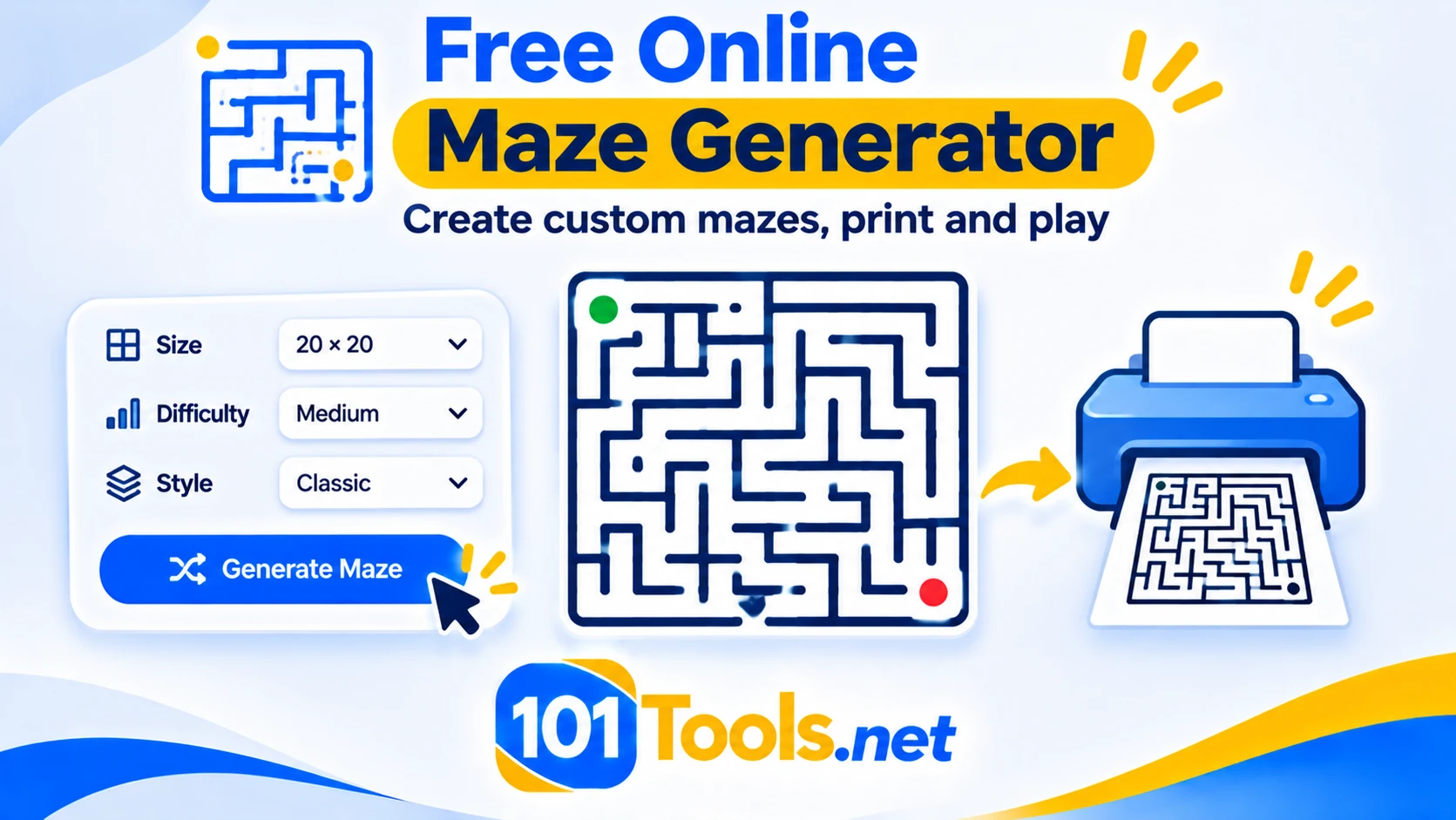
Create your own maze puzzles with our free online Maze Generator. Choose from different difficulty levels, customize the maze shape and size, and generate unique mazes in seconds. Whether you want a printable maze for children, a challenging puzzle for yourself, or an interactive maze to play online, 101Tools.net makes it easy.
You can generate a new maze whenever you like, explore different layouts, reveal the solution, and enjoy solving puzzles directly in your browser.
Loading tool…
Let us know
How useful was this tool? Your rating helps others find it.
No ratings yet. Be the first!
Create and Customize Your Own Maze
Every maze can be customized to match your preferences. Choose a difficulty level, select a shape, and adjust the dimensions to create a puzzle that suits your needs.
You can experiment with different maze designs, from traditional square grids to more creative shapes. Generate a new layout whenever you want a different challenge.
Choose Your Maze Difficulty
Select a difficulty level based on the age and experience of the person solving the maze. Options include:
- Ages 3–5: Very easy mazes for young children.
- Ages 5–7: Easy puzzles for developing problem-solving skills.
- Ages 8–10: Medium-level mazes with more challenging routes.
- Ages 11+: Harder puzzles for older children.
- Adults: Very hard mazes for experienced puzzle solvers.
- Extreme: Extra-challenging mazes for those who enjoy a difficult puzzle.
Select Different Maze Shapes
Create more than just traditional square mazes. Choose from a variety of available shapes, including:
- Rectangle
- Circle
- Heart
- Star
- Diamond
- Hexagon
- Triangle
- Cloud
- Apple
- Pumpkin
- Christmas tree
- Snowman
- Egg
- House
- Leaf
- Fish
- Moon
- Letter or number
You can also use your own picture as a maze design.
Adjust Maze Width and Height
Control the size of your maze by setting its width and height. Create smaller puzzles for younger users or larger layouts for a more challenging experience.
Different dimensions let you experiment with maze complexity and create puzzles for different activities.
Printable Maze Generator
Looking for a printable maze? Use the Printable mode to create maze puzzles that you can print and solve on paper.
Printable mazes are useful for classroom activities, home learning, puzzle worksheets, and screen-free entertainment. Generate different layouts to give children and adults fresh puzzles to solve.
You can create a new maze whenever you need another printable challenge.
Play Maze Games Online
Prefer solving puzzles on your screen? Switch to Play Online mode and navigate through the maze directly in your browser.
Start at the indicated entrance and find your way to the exit. You can drag through the maze or use the keyboard arrow keys to move.
If you get stuck, use the available solution feature to reveal the correct route. You can also start again or generate a completely new maze.
Reveal the Maze Solution
Not sure how to reach the exit? Use the Show Solution feature to see the correct path through the maze.
The solution feature is helpful when checking a puzzle, learning how a maze works, or helping children understand different routes.
You can also watch the maze being generated to see how its paths and walls are created.
Maze Generator for Kids and Adults
Mazes are enjoyable puzzles for different age groups. Younger children can start with simpler layouts, while older children and adults can explore more challenging designs.
Use the difficulty settings to create puzzles for:
- Children’s puzzle activities
- Classroom exercises
- Home learning
- Family games
- Brain-teasing challenges
- Printable activity sheets
- Personal puzzle collections
Choose a suitable difficulty and shape to create a maze for your next activity.
How to Use the Maze Generator
Creating a maze is simple:
- Open the Maze Generator on 101Tools.
- Choose Printable or Play Online mode.
- Select your preferred difficulty level.
- Choose a maze shape and cell style.
- Set the maze width and height.
- Generate a new maze.
- Print your maze or solve it online.
You can repeat the process to create as many different maze layouts as you need.
Free Online Maze Maker
Our free Maze Generator combines maze creation and puzzle solving in one convenient tool. Instead of using separate applications to create and solve puzzles, you can customize your maze, generate new layouts, and play directly from the same page.
Whether you call it a maze maker, maze builder, labyrinth generator, or printable maze creator, 101Tools gives you an easy way to create and explore maze puzzles online.
Start creating your maze and see if you can find the way out!
Frequently Asked Questions
Is this Maze Generator free?
Yes. You can use the 101Tools Maze Generator online for free to create and solve maze puzzles.
Can I create printable mazes?
Yes. Select Printable mode to create maze puzzles for printing and solving on paper.
Can I play the maze online?
Yes. Switch to Play Online mode to navigate through the maze using drag controls or keyboard arrow keys.
Can I choose the difficulty of a maze?
Yes. You can choose from several difficulty levels, including age-based options for children and more challenging levels for adults.
Can I create mazes in different shapes?
Yes. Available shapes include rectangles, circles, hearts, stars, diamonds, hexagons, triangles, clouds, apples, pumpkins, and several other designs.
Can I change the maze size?
Yes. You can customize the width and height to create mazes with different dimensions.
Can I see the solution to a maze?
Yes. Use the Show Solution option to reveal the correct path through the maze.
Can I generate a new maze?
Yes. Use the New Maze option to generate another maze with a different layout.
Is the Maze Generator suitable for children?
Yes. It offers difficulty options for different age groups, making it suitable for children’s puzzle activities and family entertainment.
Does the Maze Generator work online without installing software?
Yes. You can use the tool directly in your web browser without installing a separate application.