
Loading tool…
Let us know
How useful was this tool? Your rating helps others find it.
No ratings yet. Be the first!
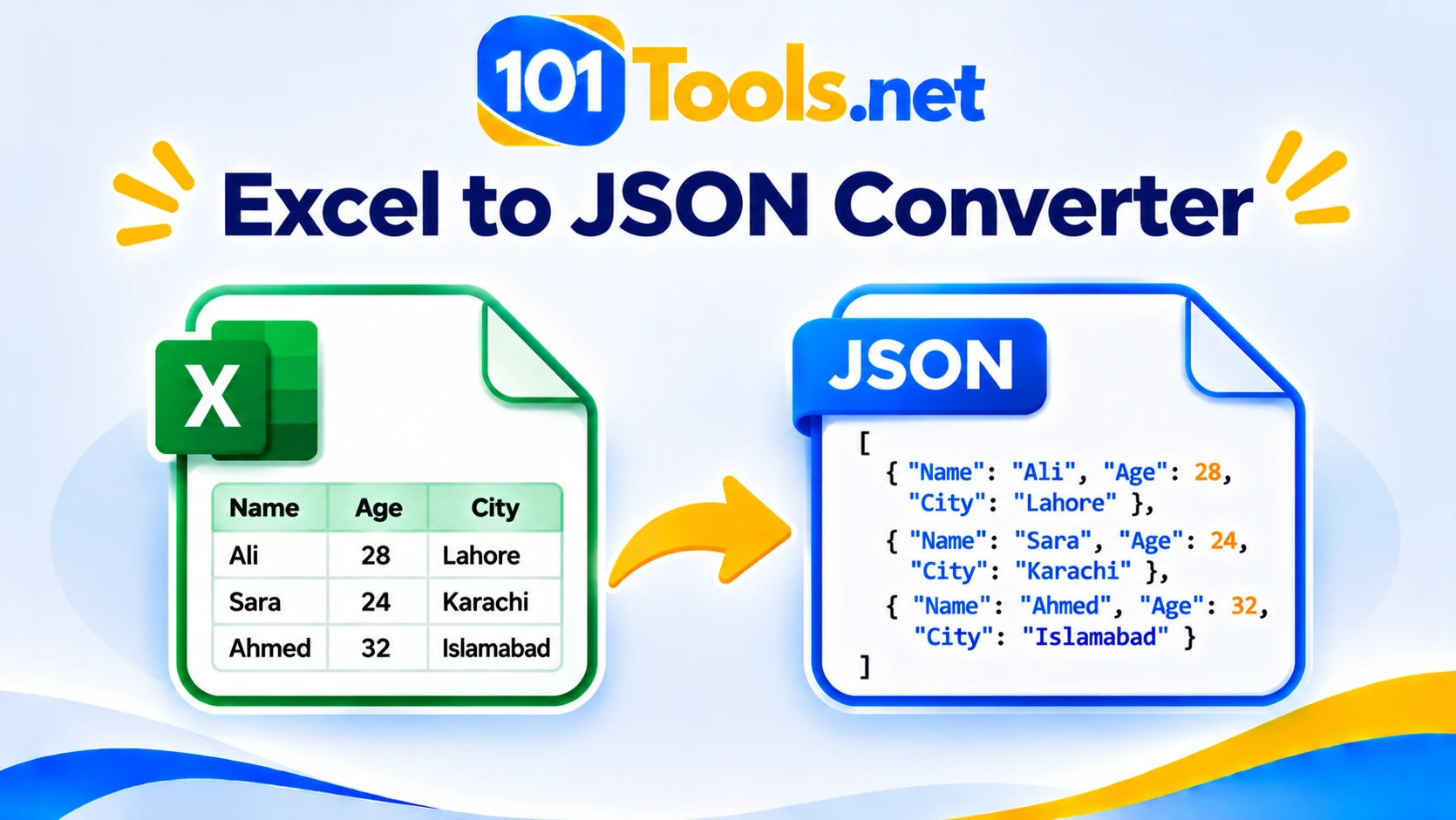
Free Online Excel to JSON Converter
Convert Excel spreadsheets into JSON data with the free Excel to JSON Converter from 101Tools.net. Upload an XLSX file, choose the worksheet you want to convert, configure the header row, and select the JSON output structure.
Whether you are preparing spreadsheet data for an application, working with APIs, or converting Excel records for development projects, this tool makes it easier to transform spreadsheet content into structured JSON.
Convert Excel to JSON Online
Excel spreadsheets store information in rows and columns, while JSON represents data in a structured format commonly used by web applications, APIs, and software systems.
The Excel to JSON Converter transforms spreadsheet worksheets into JSON without requiring you to write conversion scripts manually.
Use it to:
- Convert XLSX spreadsheets into JSON.
- Select a specific worksheet for conversion.
- Choose which row contains the column headers.
- Select the structure of the JSON output.
- Preserve numbers, dates, and true/false values as appropriate data types.
Convert XLSX Spreadsheet Data into JSON
An Excel workbook can contain multiple worksheets, each with its own set of records and columns.
Instead of converting the entire workbook without control, select the worksheet you need and configure how its data should be interpreted.
This is useful when working with:
- Customer and contact records.
- Product and inventory spreadsheets.
- Business and financial data.
- Application configuration data.
- Structured lists and tables.
- Spreadsheet exports used in development projects.
Choose the Worksheet and Header Row
The first step in converting a spreadsheet is selecting the correct worksheet.
If your Excel workbook contains multiple sheets, choose the one you want to process.
You can also specify the header row so that the converter uses the correct column names when creating JSON objects.
For example, a spreadsheet with columns named name, email, and age can be converted into structured JSON records using those column names as object keys.
Select Your JSON Output Format
Different applications require different JSON structures. The Excel to JSON Converter allows you to select the output shape according to your requirements.
Choose the appropriate JSON structure for your workflow rather than manually restructuring the converted data afterward.
Preserve Numbers, Dates and Boolean Values
Correct data types are important when converting spreadsheet information into JSON.
The converter supports real numbers, dates, and true/false values rather than treating every spreadsheet value as ordinary text.
This makes the resulting JSON more useful for applications and development workflows that depend on correctly typed data.
How to Convert Excel to JSON
- Open the Excel to JSON Converter on 101Tools.net.
- Select your XLSX spreadsheet.
- Choose the worksheet you want to convert.
- Set the appropriate header row.
- Select your preferred JSON output structure.
- Process the spreadsheet and review the generated JSON.
- Copy or export the result using the available tool controls.
Why Use the 101Tools.net Excel to JSON Converter?
- Convert Excel XLSX spreadsheets into JSON.
- Select individual worksheets.
- Configure the header row.
- Choose the JSON output structure.
- Preserve numbers, dates, and boolean values.
- Process spreadsheet data directly in your browser.
- No file upload to a processing server is required.
- Free to use without installing desktop software.
Frequently Asked Questions
How do I convert Excel to JSON?
Open the Excel to JSON Converter, select your XLSX spreadsheet, choose the worksheet and header row, and select the desired JSON output structure. Process the file to generate JSON data.
What is an Excel to JSON converter?
An Excel to JSON converter transforms spreadsheet data from an Excel workbook into JSON format. It converts rows and columns into structured JSON data that can be used by applications, APIs, and development projects.
Can I convert XLSX to JSON online?
Yes. The 101Tools.net Excel to JSON Converter lets you process XLSX spreadsheets directly in your browser.
Can I select a specific worksheet?
Yes. You can choose the worksheet you want to convert from your Excel workbook.
What is a header row in Excel to JSON conversion?
The header row contains the column names used to identify spreadsheet fields. These names can become the keys in the generated JSON objects.
Does the converter preserve numbers and dates?
Yes. The converter supports real numbers, dates, and true/false values as appropriate JSON data types.
What JSON output formats are supported?
The converter lets you choose the JSON output structure. Select the format that best matches the requirements of your application or workflow.
Can I convert multiple Excel worksheets?
The tool lets you select a worksheet for conversion. Process the required worksheets individually using the available selection option.
Is Excel to JSON conversion free?
Yes. You can use the Excel to JSON Converter on 101Tools.net for free.
Is my Excel file uploaded to a server?
No. The tool runs directly in your browser, and the page states that nothing is uploaded.