Loading tool…
Let us know
How useful was this tool? Your rating helps others find it.
No ratings yet. Be the first!
Remove Pages from PDF Online for Free
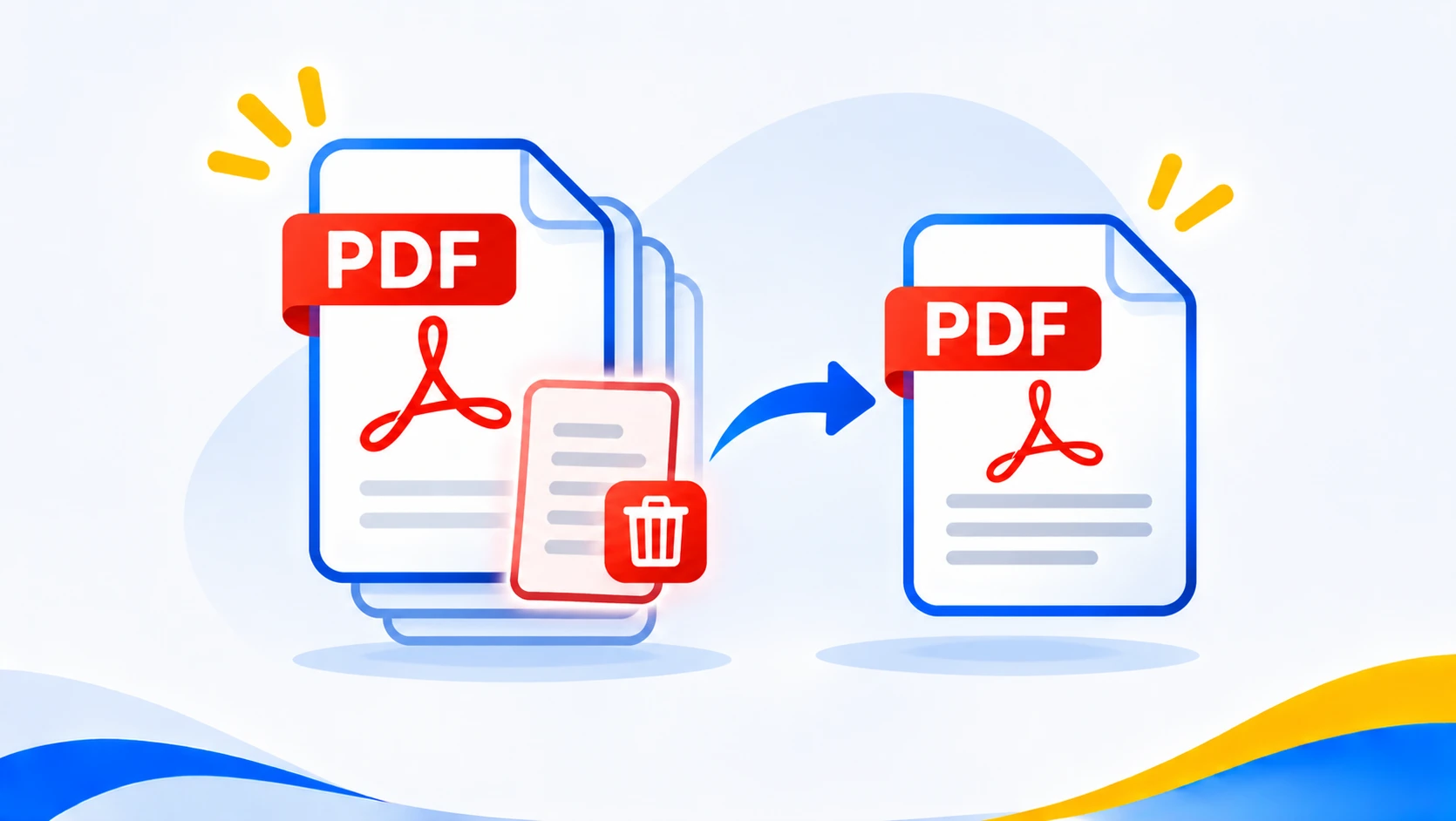
Remove unwanted pages from PDF documents with the free PDF Page Remover from 101Tools.net. Delete blank pages, remove unnecessary sections, extract selected pages, rearrange page order and rotate PDF pages directly in your browser. Whether you need to clean up a scanned document, organize a report or keep only the pages you need, manage your PDF files with a simple online tool.
Delete Pages from PDF Online
PDF documents often contain pages you do not need. These might include blank pages, duplicate content, unnecessary sections or information that should not be included in the final document.
With the Delete & Remove PDF Pages tool, you can manage individual pages without recreating the entire document. Select the pages you want to remove, extract important sections or rearrange the remaining pages to create a more organized PDF.
Use this free online PDF page remover for reports, assignments, scanned documents, business files and other PDF documents.
What Can You Do with This PDF Page Remover?
Remove Unwanted PDF Pages
Delete unnecessary pages from your PDF document. Remove blank pages, duplicate sections or content that you no longer need.
Delete Specific Pages from PDF
Choose individual pages that you want to remove from your document. Keep the remaining pages and create a cleaner PDF file.
Extract Pages from PDF
Select specific pages and extract them into a separate PDF document. This is useful when you only need certain chapters, sections or pages from a larger file.
Reorder PDF Pages
Change the sequence of pages to organize your document correctly. Arrange reports, scanned files and other documents without creating a new PDF from scratch.
Rotate PDF Pages
Correct the orientation of individual PDF pages. Rotate pages when scanned documents or combined files contain incorrectly oriented content.
Organize Your PDF Document
Manage your PDF pages using one online tool. Remove unnecessary content, extract important pages and arrange the document in your preferred order.
How to Remove Pages from a PDF
Follow these simple steps to delete unwanted pages:
- Open the Delete & Remove PDF Pages tool on 101Tools.net.
- Select the PDF document you want to edit.
- Review the available pages.
- Select the pages you want to remove, extract or rearrange.
- Apply your changes and download the updated PDF.
You can manage your PDF pages directly in your browser without installing additional software.
Why Use 101Tools.net PDF Page Remover?
Free Online PDF Page Removal
Remove unwanted pages from PDF documents without purchasing dedicated PDF editing software.
Multiple Page Management Options
Delete, extract, reorder and rotate PDF pages using one convenient tool.
Browser-Based Processing
Your PDF processing takes place directly in your browser. Your files are not uploaded to a server for processing.
Simple PDF Organization
Remove unnecessary pages and organize documents without manually recreating the entire file.
No Software Installation
Access the PDF page remover through your web browser without installing a separate desktop application.
When Should You Remove Pages from a PDF?
Removing PDF pages is useful in many everyday situations:
- Students: Remove unnecessary pages from assignments, notes and study materials.
- Teachers: Prepare clean worksheets and examination documents.
- Office Professionals: Remove outdated or irrelevant pages from business reports.
- Freelancers: Organize client documents before sharing or submitting them.
- Researchers: Extract relevant sections from lengthy research papers.
- Everyday Users: Delete blank pages and clean up scanned PDF documents.
Frequently Asked Questions
How can I remove pages from a PDF online?
Open the Delete & Remove PDF Pages tool on 101Tools.net, select your PDF document and choose the pages you want to remove. Apply your changes and download the updated document.
How do I delete a specific page from a PDF?
Select the PDF document, identify the page you want to remove and use the page removal option. You can remove individual pages without deleting the entire document.
Can I delete multiple pages from a PDF at once?
Yes. You can select multiple unwanted pages and remove them from your document using the PDF page management tool.
Is there a free PDF page remover online?
Yes. 101Tools.net provides a free online tool to remove and manage PDF pages without requiring a paid subscription.
Can I remove blank pages from a PDF?
Yes. Select the blank pages in your PDF document and remove them to create a cleaner file.
Can I extract specific pages instead of deleting them?
Yes. The tool also supports extracting selected pages into separate PDF documents.
Can I rearrange PDF pages online?
Yes. You can reorder pages to change the sequence of your document.
Can I rotate individual PDF pages?
Yes. Use the rotation functionality to correct the orientation of PDF pages.
Are my PDF files uploaded to a server?
No. PDF processing runs directly in your browser, and files are not uploaded to a server for processing.
Do I need to install software to remove PDF pages?
No. You can use the online PDF page remover directly through your browser without installing additional software.
Remove Unwanted PDF Pages with 101Tools.net
Clean up your PDF documents by deleting unnecessary pages, extracting selected sections and organizing page order. Use the free Delete & Remove PDF Pages tool from 101Tools.net to manage your documents directly in your browser.