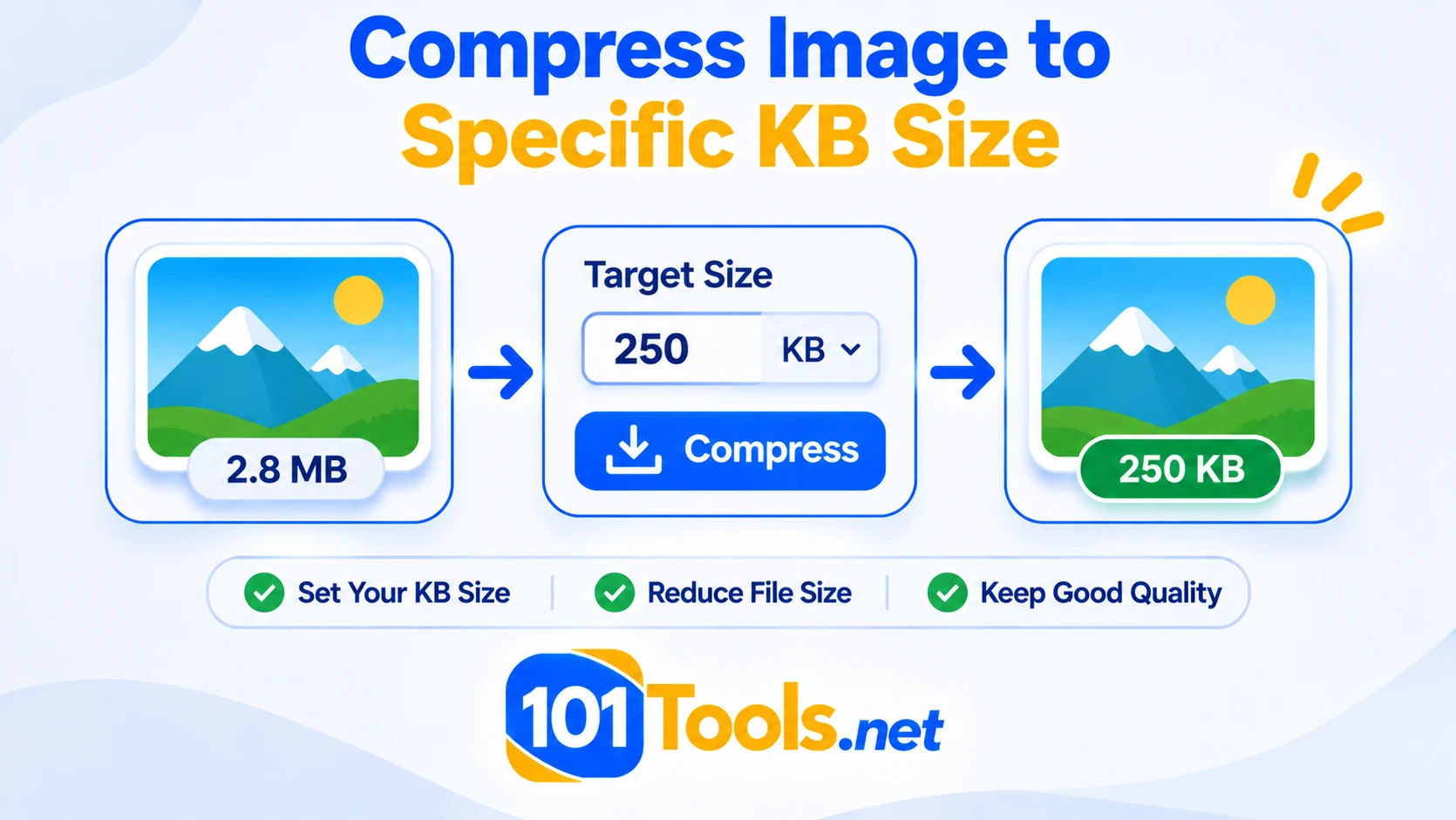
Need to compress an image to 20KB, 50KB, 100KB or another specific file size? Use the free 101Tools Compress Image to KB tool to reduce image file sizes directly in your browser.
Whether you need to resize a passport photo, reduce a signature image for an online application, compress a JPG for a government form or make a photograph smaller for uploading, this tool helps you achieve your required image size.
Select your image, enter your target file size in KB and process the image using the available compression settings. Download your compressed image and use it for your application, website or document.
Loading tool…
Let us know
How useful was this tool? Your rating helps others find it.
No ratings yet. Be the first!
What Is an Image Size Reducer?
An image size reducer is an online tool that decreases the file size of a digital image to make it easier to upload, share and store.
Many websites, online application portals and document submission systems have specific image file size requirements. For example, an application may accept photographs below 100KB, while another may require a signature image under 20KB.
An image compressor to KB helps you reduce the file size to meet these requirements without manually experimenting with different image-editing applications.
The goal is to achieve the required file size while maintaining as much visual quality as possible.
How to Compress an Image to a Specific KB Size
Using the 101Tools Image Size Reducer is straightforward.
- Open the Compress Image to KB tool.
- Select the image you want to compress.
- Enter your required target size in KB, using the available settings.
- Start the compression process.
- Review the resulting image and its file size.
- Download the compressed image to your device.
For important documents and applications, always check that the final image meets both the file size and image dimension requirements.
Compress Image to Different KB Sizes
Different websites and online applications have different image size limits. You may need a 20KB signature, a 50KB photograph or a 100KB JPG image.
Here are some common image compression requirements.
Compress Image to 20KB
Need to compress an image to 20KB? Smaller image sizes are commonly required for scanned signatures, document attachments and online application submissions.
Reducing an image to 20KB can require significant compression, especially when working with high-resolution photographs. Review the resulting image carefully to ensure that important details remain readable.
Compress Image to 50KB
A 50KB image is useful when an application has a relatively strict upload limit.
You can use a 50KB target for photographs, scanned documents, profile pictures and other images, depending on the platform’s requirements.
The amount of compression required depends on the original image dimensions, format and content.
Compress Image to 100KB
Compressing an image to 100KB is a common requirement for online forms, identification photographs and document submissions.
A 100KB image can provide a practical balance between file size and visual quality for many web applications.
Select the appropriate target size and review the final image before submitting it.
Compress Image to 150KB
Some websites and online application systems allow images up to 150KB.
If your original photograph is larger than the permitted limit, reducing it to 150KB can make it suitable for uploading, provided it also meets the required dimensions and format.
Compress Image to 200KB
A 200KB image is useful for applications that allow moderately larger photographs and document images.
Compressing an image to 200KB can preserve more visual detail than using a much smaller target, depending on the original image.
Compress Image to 300KB
Some platforms accept images up to 300KB. This target can be useful when you need to reduce a large photograph without applying excessive compression.
Choose a suitable target based on the upload requirements of your website or application.
Reduce JPG and JPEG Images to KB
JPG and JPEG are two extensions for the same widely used image format.
They are particularly suitable for photographs, scanned pictures, identification images and everyday digital photography.
You may need to reduce a JPG image to 20KB, 50KB, 100KB or 200KB to meet an online upload requirement.
JPEG compression uses a lossy compression method, which means reducing the file size may affect image quality. For the best results, select a reasonable target size and inspect the final image before using it.
Reduce PNG Image Size in KB
PNG images are commonly used for signatures, logos, screenshots, illustrations and graphics that require transparency.
Unlike JPEG, PNG uses lossless compression. However, reducing a PNG image to a very small file size can be challenging, particularly when the image contains many colors or complex details.
If your application accepts multiple image formats, converting a photograph to JPEG may help achieve a smaller file size. However, PNG may be more appropriate when transparency or lossless quality is important.
Compress Passport Photos and Signatures
Image size requirements are especially common when submitting online applications.
Passport and identity photographs: Some application portals specify maximum image file sizes along with required dimensions. Compress your photograph according to the portal’s instructions.
Digital signatures: Scanned signatures can have unexpectedly large file sizes. Reducing their size can help prepare them for online forms and document submissions.
Educational applications: Admission forms and examination portals may require photographs and signatures below specific KB limits.
Government applications: Online government services may specify separate image size, format and dimension requirements.
Always check the official application guidelines before compressing your images. A file size that meets the KB requirement may still be rejected if the image dimensions or format are incorrect.
Image Compression Without Losing Quality
Reducing an image to a specific KB size does not always guarantee that its original quality will remain unchanged.
Image compression works by optimizing how image information is stored. Depending on the format and compression method, some image information may be removed to achieve a smaller file.
Here are some ways to maintain better image quality:
- Start with a clear, high-quality original image.
- Avoid choosing an unnecessarily small target size.
- Use appropriate image dimensions.
- Compare the original and compressed images.
- Keep a backup of the original file.
- Check that text, signatures and important details remain readable.
For photographs, JPEG compression can achieve smaller file sizes, while PNG is useful for graphics that require transparency or lossless quality.
What Is the Difference Between Image Compression and Image Resizing?
Image compression and image resizing are two different processes.
Image compression reduces the file size of an image by optimizing how its data is stored. It may preserve the original dimensions while reducing the amount of storage required.
Image resizing changes the width and height of an image, measured in pixels. Reducing image dimensions can also help decrease its file size.
For example, a photograph measuring 3000 × 2000 pixels can be resized to 1200 × 800 pixels. This reduces its dimensions and may make it easier to compress.
If an online application specifies both image dimensions and a maximum KB size, make sure you satisfy both requirements.
Why Use the 101Tools Compress Image to KB Tool?
The 101Tools image size reducer makes it easier to prepare images for websites, applications and digital documents.
- Target file size: Work towards a specific image size in KB using the available compression settings.
- Free online access: Compress images directly through your browser.
- Simple workflow: Select your image, configure the required size and download the result.
- Multiple applications: Prepare photographs, signatures and other images for online submissions.
- Browser-based processing: Your images are processed locally and are not uploaded to our servers.
- Convenient results: Review the compressed image before using it.
Frequently Asked Questions
How can I compress an image to 20KB?
Open the 101Tools Compress Image to KB tool, select your image and set a target of 20KB if supported by the available controls. Process the image and review the result before downloading.
How do I reduce an image to 50KB?
Upload your image to the compressor, enter 50KB as your target size and run the compression. Check the final file size and image quality before using it.
How can I compress a JPG image to 100KB?
Select your JPG image, choose a target size of 100KB and process it using the available compression settings. Download the resulting image once it meets your requirements.
How do I resize an image to a specific KB size?
Use an image size reducer that supports target file sizes. Enter your required size in KB, process the image and verify the output. Remember that file size and pixel dimensions are different measurements.
Can I compress a JPEG image to 200KB?
Yes, JPEG images can be compressed towards a 200KB target. The final result depends on the original image dimensions, quality and compression settings.
What is the difference between JPG and JPEG?
JPG and JPEG are the same image format. Both use JPEG compression, and the difference is only in their file extensions.
Can I reduce the size of a PNG image?
Yes, PNG images can be optimized using lossless compression. However, reaching very small file sizes may be difficult for complex images. Converting to another format may be an option if transparency is not required.
Does compressing an image reduce its dimensions?
Not necessarily. Image compression reduces file size, while resizing changes pixel dimensions. Some tools offer both features, so check the available settings.
Can I compress a passport photo to 100KB?
You can reduce a passport photograph towards a 100KB target if supported by the tool. However, check the official application requirements for image dimensions, file format and other specifications.
Can I compress a signature image to 20KB?
Yes, a signature image can be compressed towards a 20KB target. For best results, use a clear original signature and check that the final image remains readable.
Does image compression affect quality?
It can. Lossy compression removes some image information to reduce file size, while lossless compression preserves the original pixel data. The effect depends on the format and compression settings.
Is the 101Tools Compress Image to KB tool free?
Yes. You can use the online image compressor without purchasing a subscription or installing additional software.
Are my images uploaded to a server?
No. Image processing takes place directly in your browser. Your images are not uploaded to 101Tools servers.
Explore More Free Image Tools
Explore more 101Tools utilities for image editing, compression and document preparation.
- Image Compressor: Reduce JPG, PNG and WebP image file sizes for websites, sharing and storage.
- Passport Photo Maker: Prepare passport and visa photographs in different required dimensions.
- Signature to Transparent PNG: Create transparent signature images for documents and PDFs.
- Blur and Censor Image: Blur, pixelate or hide sensitive information in photographs.
Visit 101Tools to discover more free online tools for everyday digital tasks.